Create AI Videos from Images with Picverse AI
Bring a still image to life. Describe the motion, choose a format, and create a short AI video in one focused workspace.
AI video studio
Describe the shot. Make it move.
Keep the subject, movement, and camera direction clear.
Featured motion
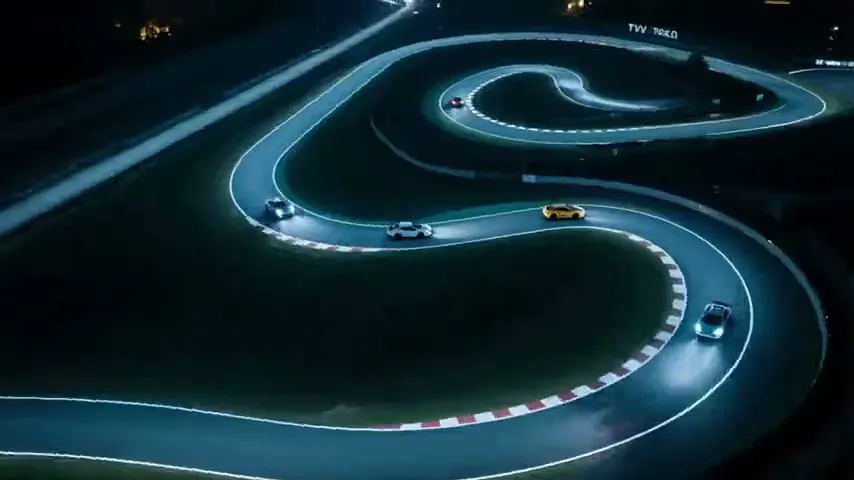
Experience Picverse AI in Motion
See how a still frame can become a short moving scene, then experiment with your own image.
A Simple Image-to-Video Workflow
Turn a still image into a short video without navigating a complex editing timeline. Start with a preset or write your own direction, frame the image, and download the result.
- Character TransformationDescribe armor, energy, camera, or subject movement in your prompt.
- Flexible Social FormatsFrame the source image in 16:9, 4:3, 1:1, 3:4, or 9:16 for common publishing workflows.
- Clear Generation TermsSee the exact credit cost on the Create button as you change the model, resolution, or duration. Failed tasks are refunded automatically.
Creative toolkit
Advanced AI Video & Image Generation Features
Use practical controls and reusable motion presets without learning a complex editing suite.
PixVerse V6 Generation
Animate an uploaded image with the current PixVerse V6 image-to-video model.
Diverse AI Models
Create source images, generate videos, and revisit completed work from one browser-based service.
Motion Presets
Start with cinematic, transformation, product, anime, or pet motion prompts and customize them.
Landscape and Portrait
Choose a landscape, square, or portrait canvas before submitting a generation.
Automatic Credit Refunds
If a generation reaches a failed or timed-out terminal state, its generation credits are returned automatically.
Commercial Usage Rights
Review the applicable model and service terms before using generated media commercially.
Frequently Asked Questions
Answers about generation, supported formats, credits, and common creative workflows.
What makes Picverse AI different from other AI video and image generators?
Picverse AI keeps the full image-to-video flow in one focused workspace: upload, direct the motion, choose the output, and download the result.
How do I get started for free with Picverse AI?
Create an account, upload an image, and review the current credit cost before generating. Available subscription plans are listed on the Pricing page.
What does a V6 generation cost?
The default PixVerse V6 720p / 5-second image-to-video generation costs 100 credits. Other settings show their exact cost before submission. Explicit failures and timed-out tasks are refunded automatically.
What formats does PixVerse V6 support here?
The generator offers adjustable resolution and duration. For image-to-video, the selected canvas frames the uploaded source image; audio generation is not enabled.
Can I use Picverse AI on mobile devices? What about pixverse mod apk?
Yes. Picverse AI runs in modern desktop and mobile browsers; there is no separate Picverse AI mobile app offered by this service.
What character transformations does Picverse AI (using Pixverse) excel at?
You can describe character movement, armor changes, energy effects, product reveals, pet motion, and camera movement. Results depend on the source image and prompt.
What's the maximum resolution for generated videos?
The current PixVerse V6 workflow supports 360p, 540p, 720p, and 1080p output. Native 4K generation is not offered in this workflow.
How quickly does Picverse AI generate videos?
Generation time varies with provider queue load and input complexity. The progress view remains available while the task is processing, with a defined timeout and automatic refund on timeout.
Do plans change the available video settings?
All paid plans use the same model, resolution, and duration controls. Plans differ by included credits and billing period; each generation shows its exact credit cost before submission.
Ready to Create an AI Video from Your Image?
Return to the generator, or explore examples and pricing before creating your next video.